
Browse guides
Watch a play
Build a play
Keep and share work
Use a practice plan
Open a built-in volleyball practice, watch its drills, print the schedule and run the practice timer.
Reviewed 2026-10-13 · Rufio Stats Markdown
Open a built-in practice
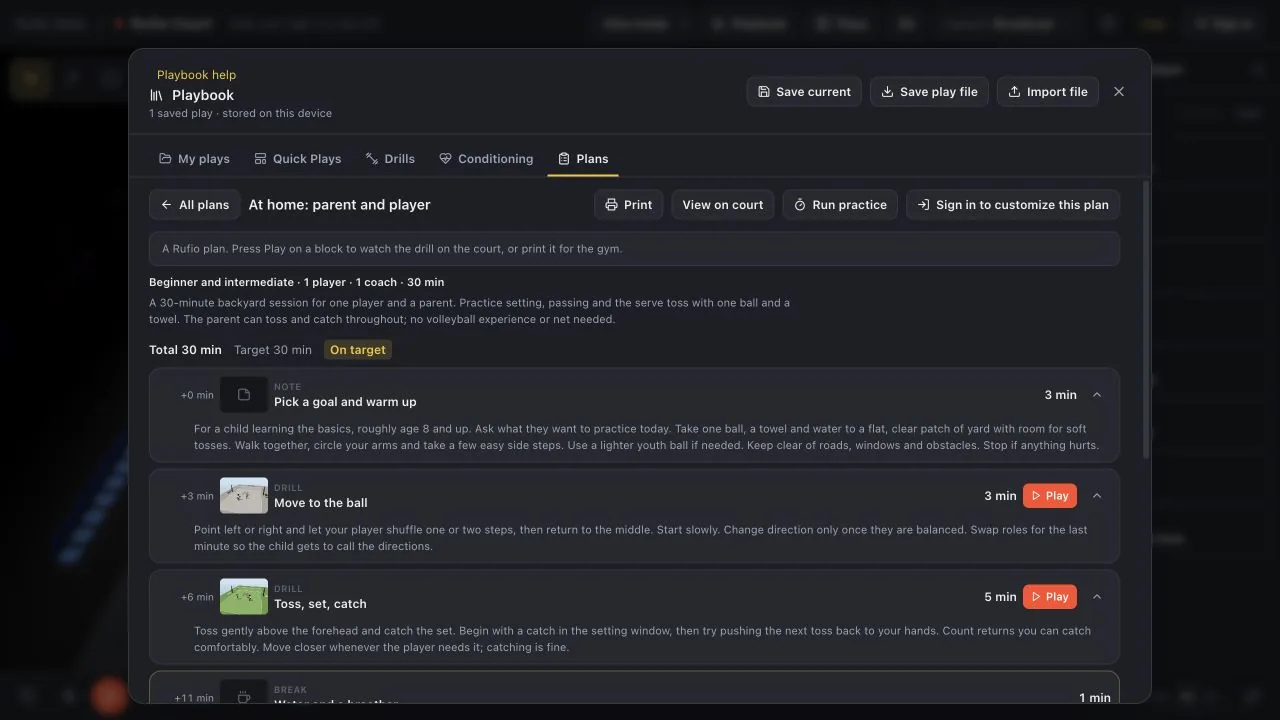
- Open Playbook > Plans.
- Choose a built-in plan. Its blocks show the order, minutes and coaching notes.
- Press Play on a drill block to watch it on the court, or Print for the practice sheet.
Reading and running a built-in plan does not need an account. If Customize plan is available, choose it to save an editable copy to your account.
Run the timer
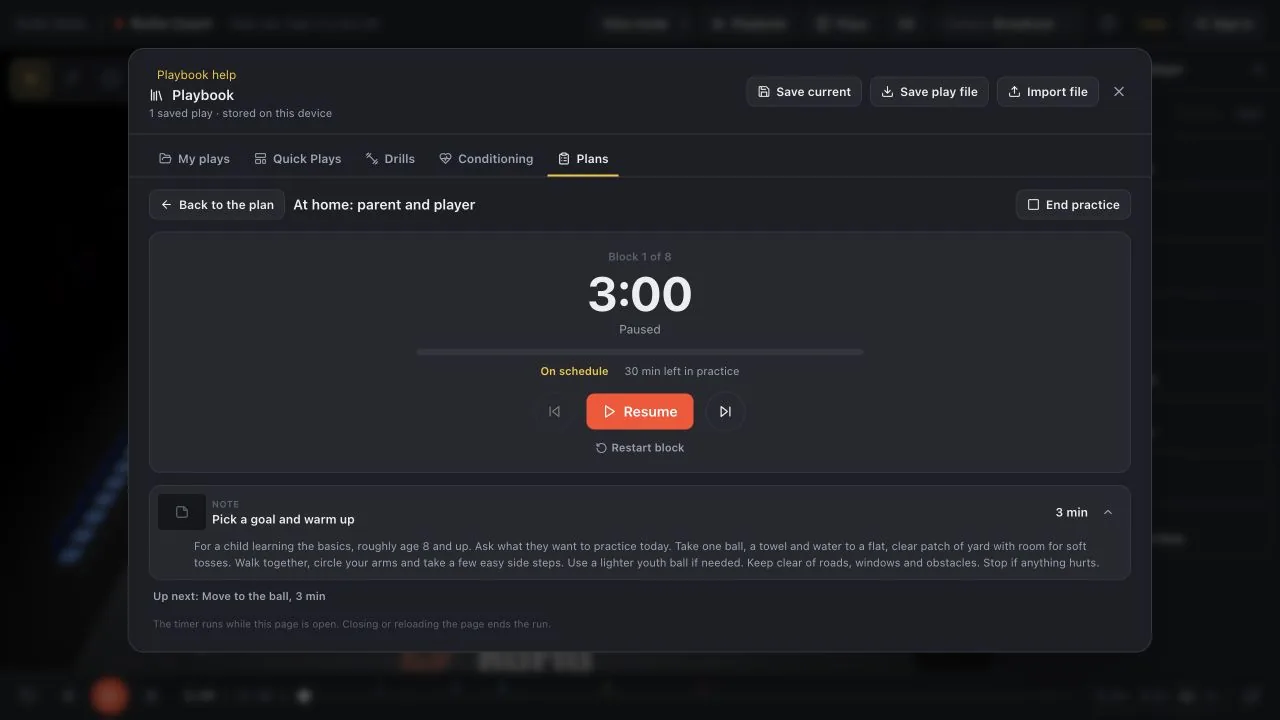
- Press Run practice on the plan.
- Use Start, Pause or Resume to control the clock. Next moves to the next block.
- If you open a drill on the court, Return to practice brings the timer back.
- Use End practice when you are finished.
What the timer keeps
The timer runs in this tab. It does not save attendance, a match, a history of runs or your elapsed practice time to the account. A reload ends that run. Printed times are a schedule; take extra water breaks or shorten a block when needed.
Related guides
Find and watch a drill
Filter volleyball drills by skill, experience, player count, time and equipment, then watch the setup in 3D.
Practice at home with your player
Run a 30-minute volleyball session with one child, one parent, a ball and a towel. The parent can toss and catch.
Account, cloud Playbook and sharing
Understand browser copies, account copies and read-only links, including what other people can see.