Browse guides
Rufio Stats
- Getting started
- People and roles
- Device settings
- Team tracking settings
- Beach doubles (beta)
- Live tracking
- Tracking together
- When the connection drops
- Drafts and merging
- Film review
- Game film
- Recording games
- Stream a game to Facebook
- Stream a game to YouTube
- Tournaments
- Stats and dashboards
- Dashboards
- Team dashboard: film and stats
- RufioStats for college & club programs
- The Practice tab
Beach doubles (beta)
Track a two-player match: pair and serving order, beach scoring presets, side switches, and pair-level stats.
Turning a team into a beach team
Beach doubles is a beta. It tracks a pair, two players and no rotation, instead of a six-player roster.
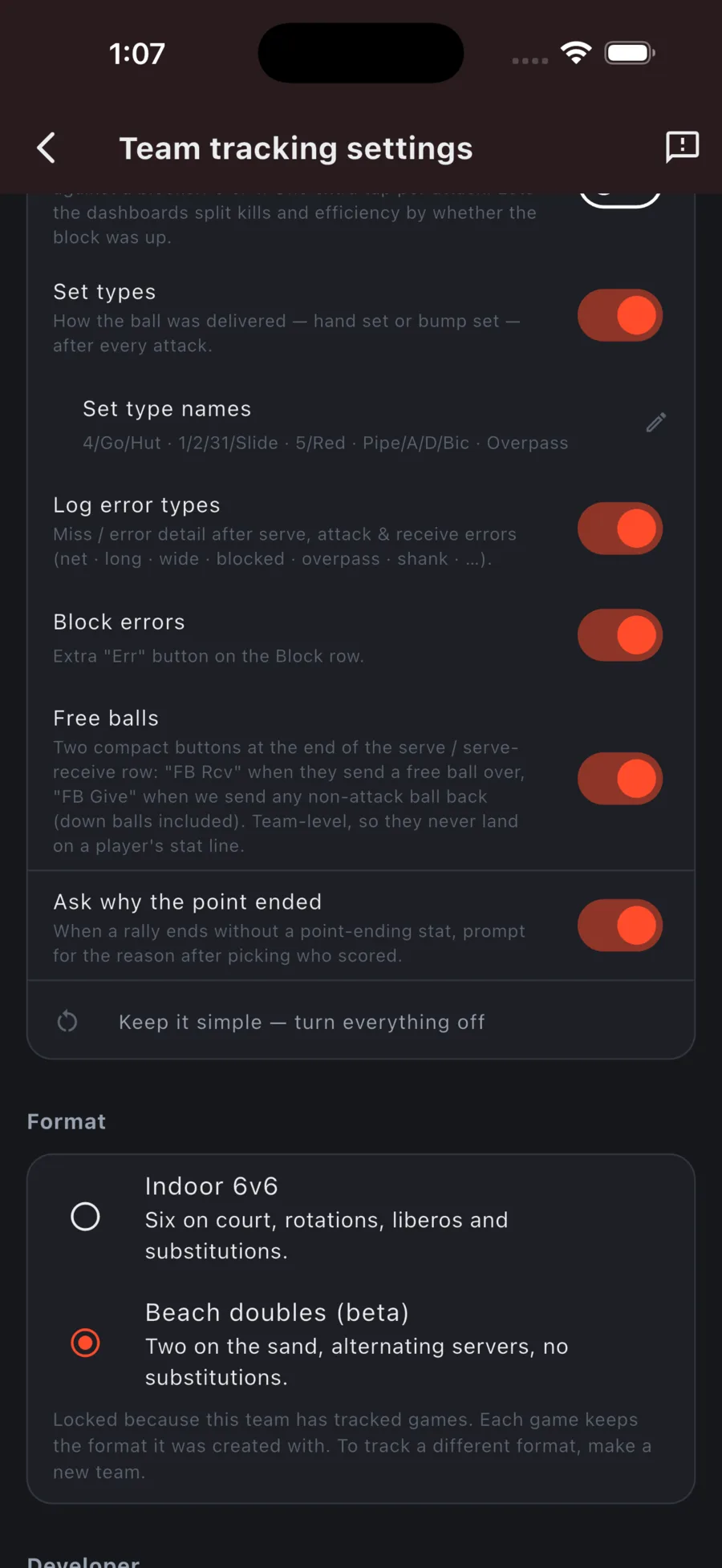
Format is a per-team setting, Indoor or Beach. Pick it in Team tracking settings, or on the New team flow's first card (also offered when adding a team under an organization, or when setting up a single player). Switching an existing team to Beach brings its scheduled games along and applies the 21/21/15 preset to its scoring, unless you have already set your own numbers.
A pair, not a rotation
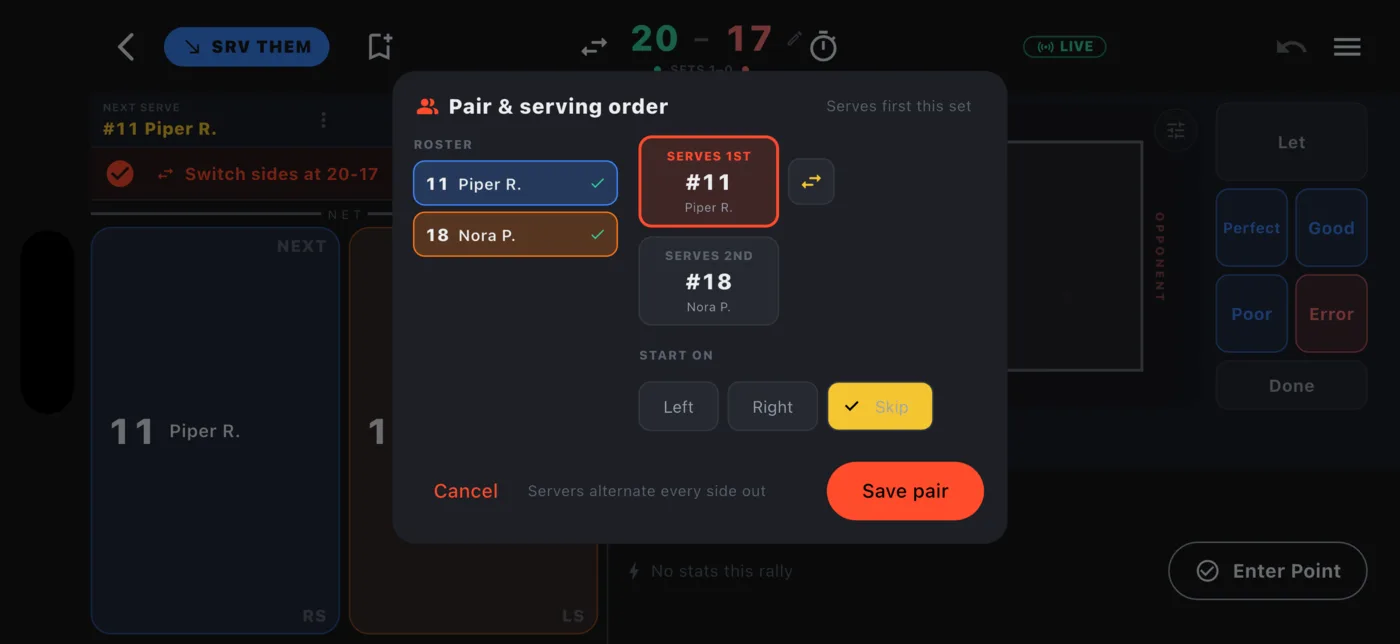
A beach team is two players, not six. There is no starting lineup, no substitutions, and no libero: the pair sheet asks for the two players and who serves first, which is a two-slot service order rather than a six-slot rotation. Pair & serving order replaces Lineups & rotations in the tracking options list.
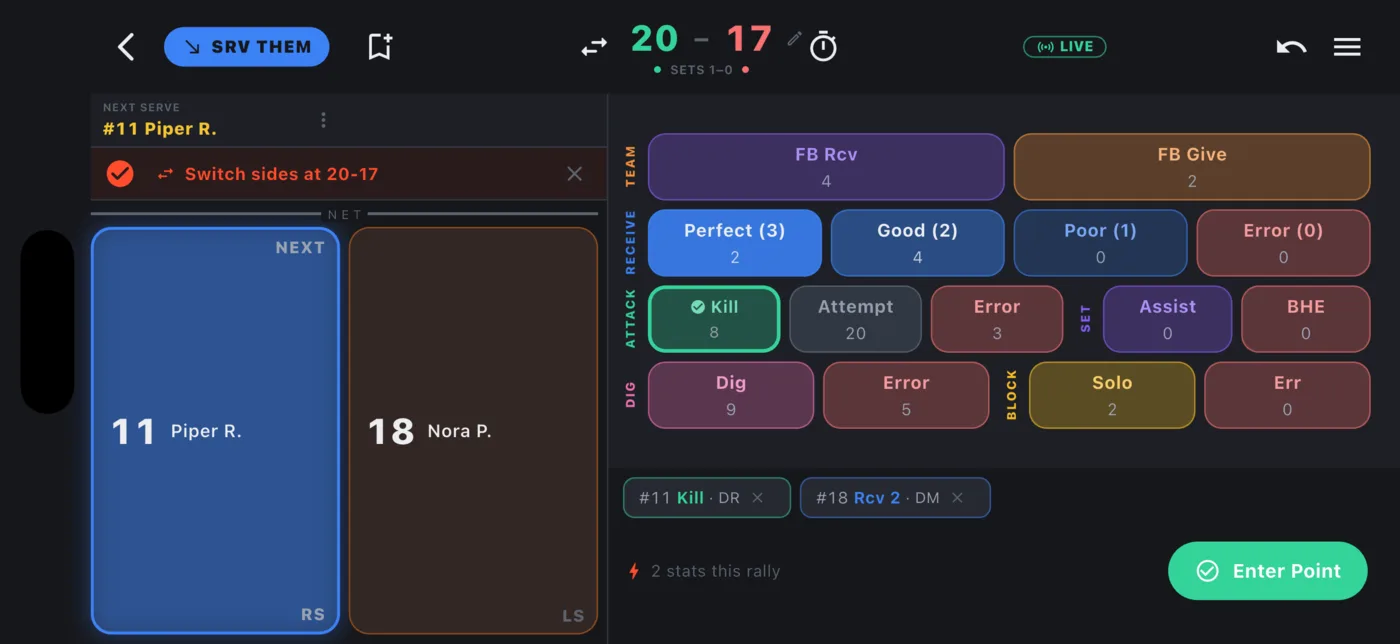
The live ribbon names the server instead of a rotation number: SERVING · <name> while your pair holds the serve, NEXT SERVE · <name> while the other pair does, and SERVING ORDER before the first rally. Position labels are beach ones too: Left side, Right side, Blocker, Defender, Split blocker.
Scoring presets and side switches
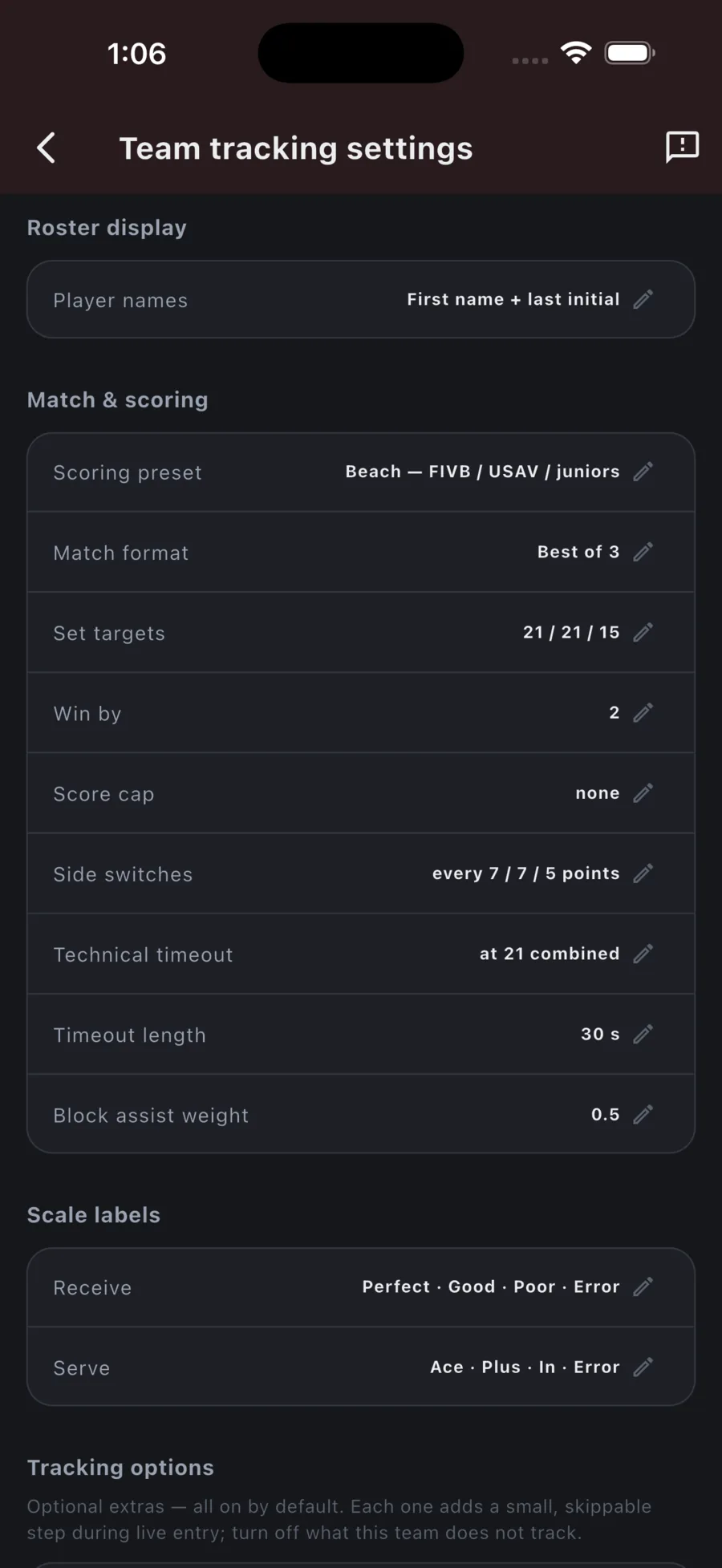
Pick a preset on the New game screen (a beach team shows a row of chips in place of the indoor Best of 3 / 5 control) or in Team tracking settings under Match and scoring.
| Preset | Sets | Switch sides every | Timeout |
|---|---|---|---|
| Beach FIVB / USAV / juniors | 21, 21, 15 | 7 (5 in the third) | 30 seconds, plus a technical timeout at 21 |
| Beach NCAA | 21, 21, 15 | 7 (5 in the third) | 60 seconds, plus a technical timeout at 21 |
| AVP League | 15, 15, 15 | 5 | 60 seconds, no technical timeout |
| One set to 21 (pool play) | 21 | 7 | 30 seconds, plus a technical timeout at 21 |
| One set to 28 (AAU / BRQ pools) | 28 | 7 | 30 seconds, plus a technical timeout at 28 |
A beach set gives each pair one timeout, not two. Side switches are worked out from the combined score as you go, rather than stored as their own event: when the score crosses a switch point, the app offers Switch sides the same way it does for a league that swaps ends every set. It never flips the view on its own; you still tap it once your pair has actually changed ends.
Pair-level stats
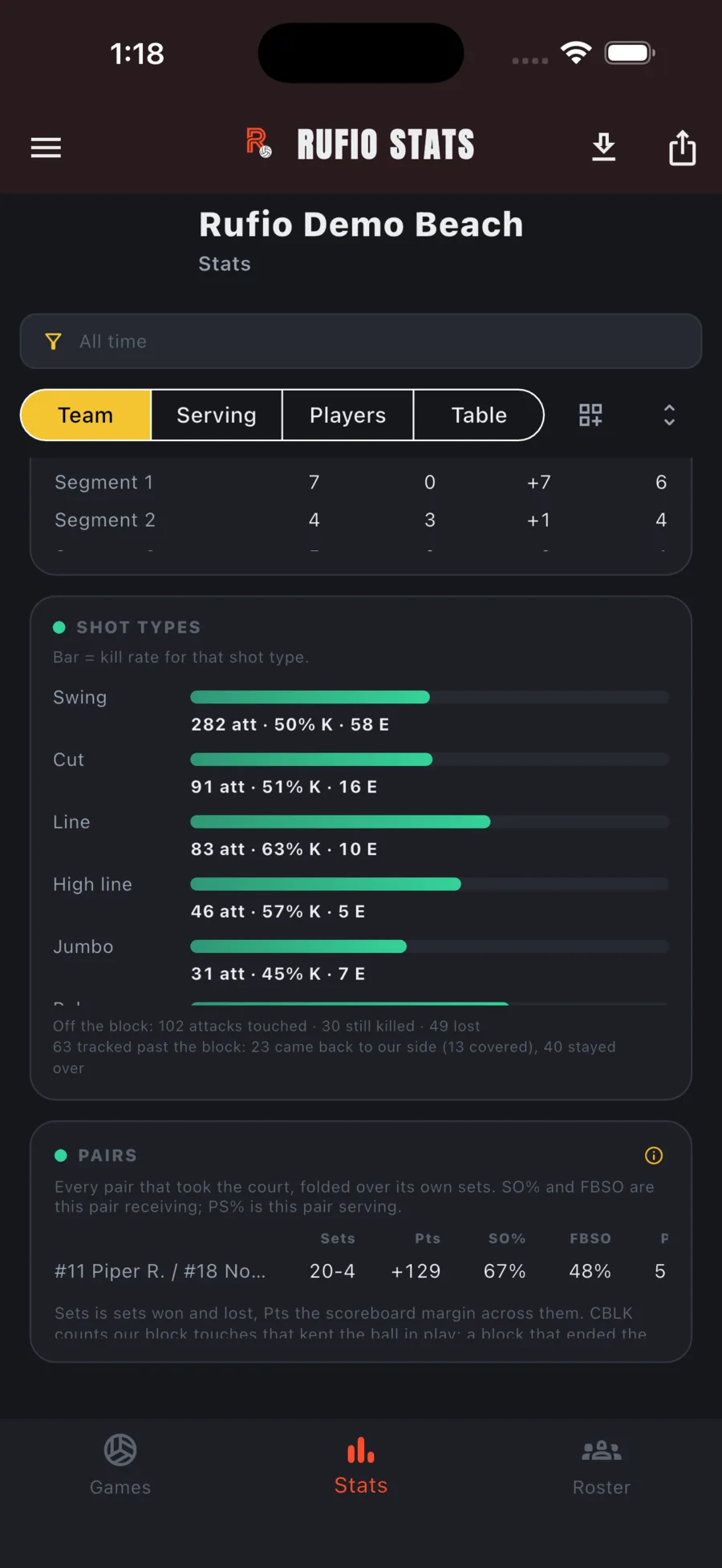
A beach team's Team lens swaps the rotation cards for Serve targeting, Side-out by receiver, Serving, Point endings, By end, and a beach Shot mix. The same cards are on Coach view and on a player's own page. The Rotations lens becomes a two-chip Serving lens.
A program that runs more than one pair off the same roster gets a Pairs card, and a printed table with a row per pair: sets won and lost, scoreboard margin, side-out and first-ball side-out, points won on serve, hitting, aces, serve errors, and controlled blocks (a block touch that kept the ball in play). Sets where nobody entered a pair are listed as their own row. With more than one pair in scope, a row of pair chips above the stats narrows every card to one pair.
A beach court reads in nine cells
A sand court has no 10 foot line, so a beach team is always read in the nine-cell grid, never the six-cell one, and the Zone grid choice does not appear on a beach team's tracking options for that reason. Cells are named by position rather than number: short, mid, or deep, crossed with left, middle, or right, with the centre cell called Middle.
Tap zones still works on sand, on the same nine-cell pad, just without the numbers. See Location entry.