Browse guides
Rufio Stats
- Getting started
- People and roles
- Device settings
- Team tracking settings
- Beach doubles (beta)
- Live tracking
- Tracking together
- When the connection drops
- Drafts and merging
- Film review
- Game film
- Recording games
- Stream a game to Facebook
- Stream a game to YouTube
- Tournaments
- Stats and dashboards
- Dashboards
- RufioStats for college & club programs
- The Practice tab
When the connection drops
Gym Wi-Fi fails. Here is what the app does about it, and what you should do.
The short version
Keep tapping. Every device saves its own record of every tap locally and syncs it when the connection returns. Nothing you enter while offline is lost, and the same tap can never be counted twice.
Reading the LIVE chip
| Chip | Meaning |
|---|---|
| LIVE | Connected. The number is how many trackers are on. |
| Connecting… / Going live… | Trying to start or reach the session. Scoring works locally meanwhile. |
| OFFLINE | Connection lost. Taps are queued on this device. |
| Rejoining… | The session was lost or a new set started; this device is getting back in. |
| Sign in | Your account session expired. Sign in again and the game goes live on its own. |
| Not live | This game is not broadcasting (for example, a draft or the demo team). |
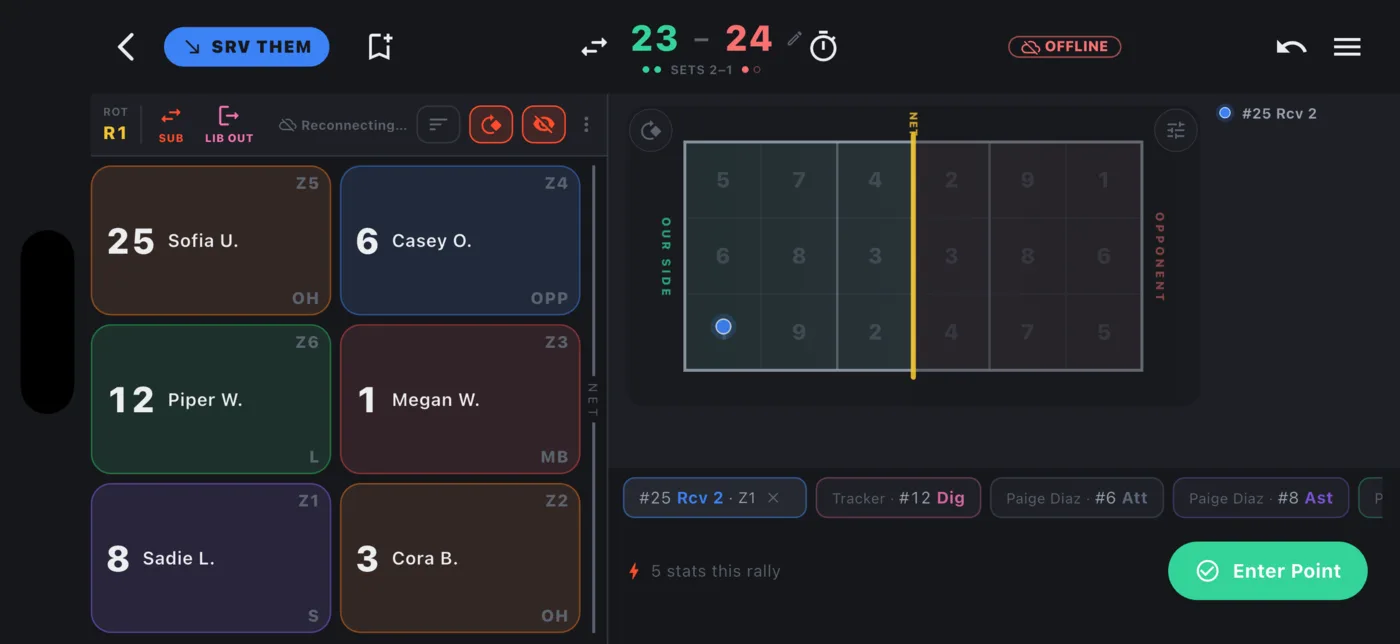
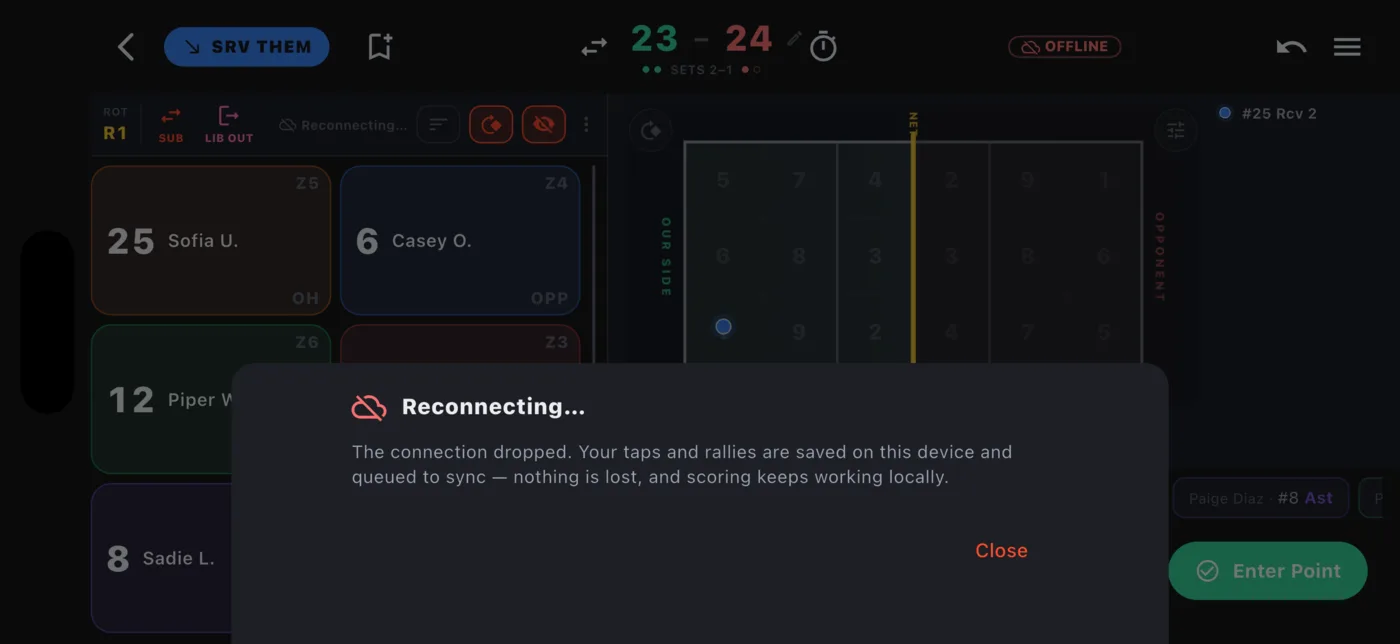
A helper goes offline
The helper's status line changes to You're offline with a count of queued taps. They keep tracking. When they reconnect, the queue uploads and merges into the game. If they also entered points while offline, those merge too.
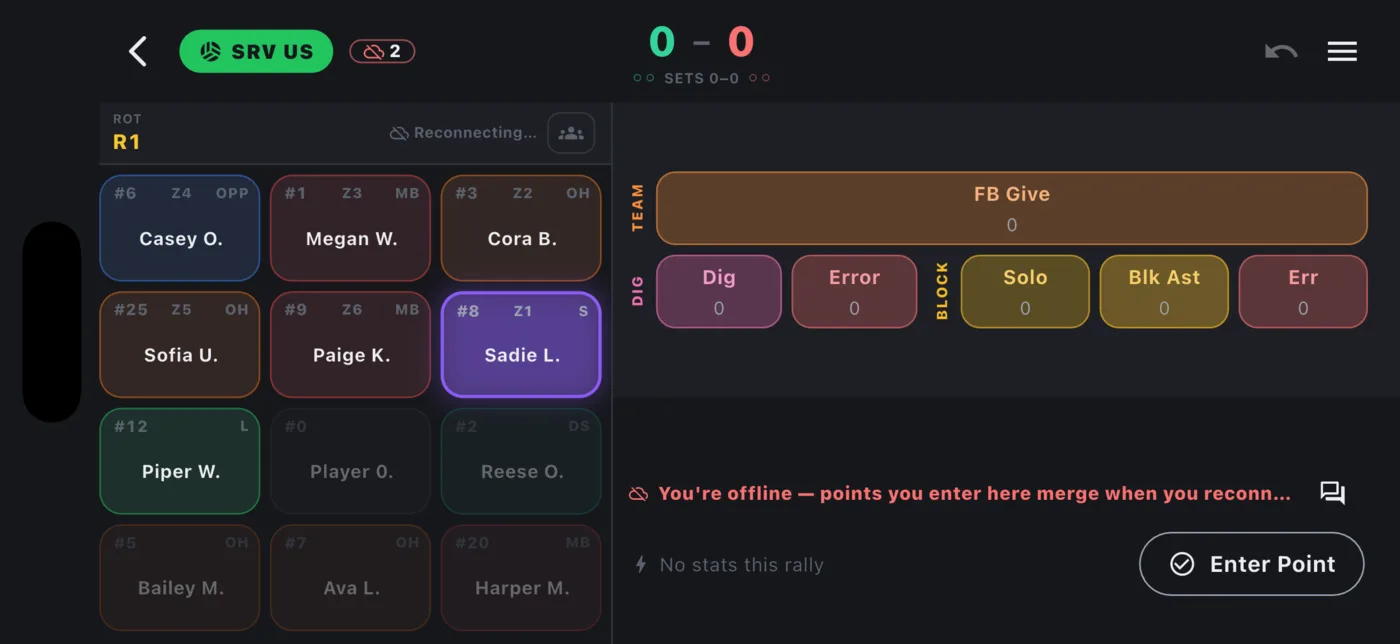
The scorekeeper goes offline
- Helpers see SCOREKEEPER OFFLINE. They can keep entering stats and points; their points show with a
*as their own count until the scorekeeper is back. - If the scorekeeper stays away, a Take over button appears for any tracker so the match can go on. The Owner or Statkeeper can also Take back scoring at any time.
- When the original device reconnects, its taps replay into the session. The rally record merges from every device's journal, so points are not doubled.
The session itself is lost
If the live session is closed (the server restarted, or it sat idle too long), the scorekeeper's device starts a new one automatically and replays the whole set into it. Helpers see a Rejoin banner. Between sets, a helper whose stats are still free rejoins on their own; otherwise they get the same banner.
A helper who cannot reach the team's game at all can still track: the app offers Track your own copy. That copy becomes a draft the Statkeeper merges afterwards (see Drafts and merging).
Checking that everything merged
A game card shows Unsynced copy while something is still waiting, Merged once stats from several devices have folded together, and Needs review if two devices disagreed about a rally. Tap the badge to go to the right place.
Settings ▸ Offline multi-helper lists everything waiting to merge and has a Reconcile now button. Disagreements open a Review conflicts screen. Each one names the player and the stat (for example "#12 Jane D. - Assists") instead of an internal id, shows the set and the score with Us and Them, and lays the two answers side by side so you tap the one to keep. A Save button at the bottom applies every pick together, and settled rows leave the list for good.
When the disagreement is between a film pass and the live tracking it came from, Review conflicts opens a rally-by-rally comparison instead: both copies' stats side by side, the disputed rally highlighted, and a visible Fix button on every row offering Live is right, Film pass is right, Delete from Live, Delete from film pass, or Open in Film review on either copy.