Browse guides
Rufio Stats
- Getting started
- People and roles
- Device settings
- Team tracking settings
- Beach doubles (beta)
- Live tracking
- Tracking together
- When the connection drops
- Drafts and merging
- Film review
- Game film
- Recording games
- Stream a game to Facebook
- Stream a game to YouTube
- Tournaments
- Stats and dashboards
- Dashboards
- RufioStats for college & club programs
- The Practice tab
Drafts and merging
Games tracked outside the live session, and how the Statkeeper folds them into the team's record.
What a draft is
A Helper without full access can enter stats but cannot put a game on the team's record. When they start a match from their own device, it saves as a draft: it belongs to their account, is not on the schedule, and counts toward no stat until the Statkeeper accepts it. Only the author and the Statkeeper (or Owner) can see it.
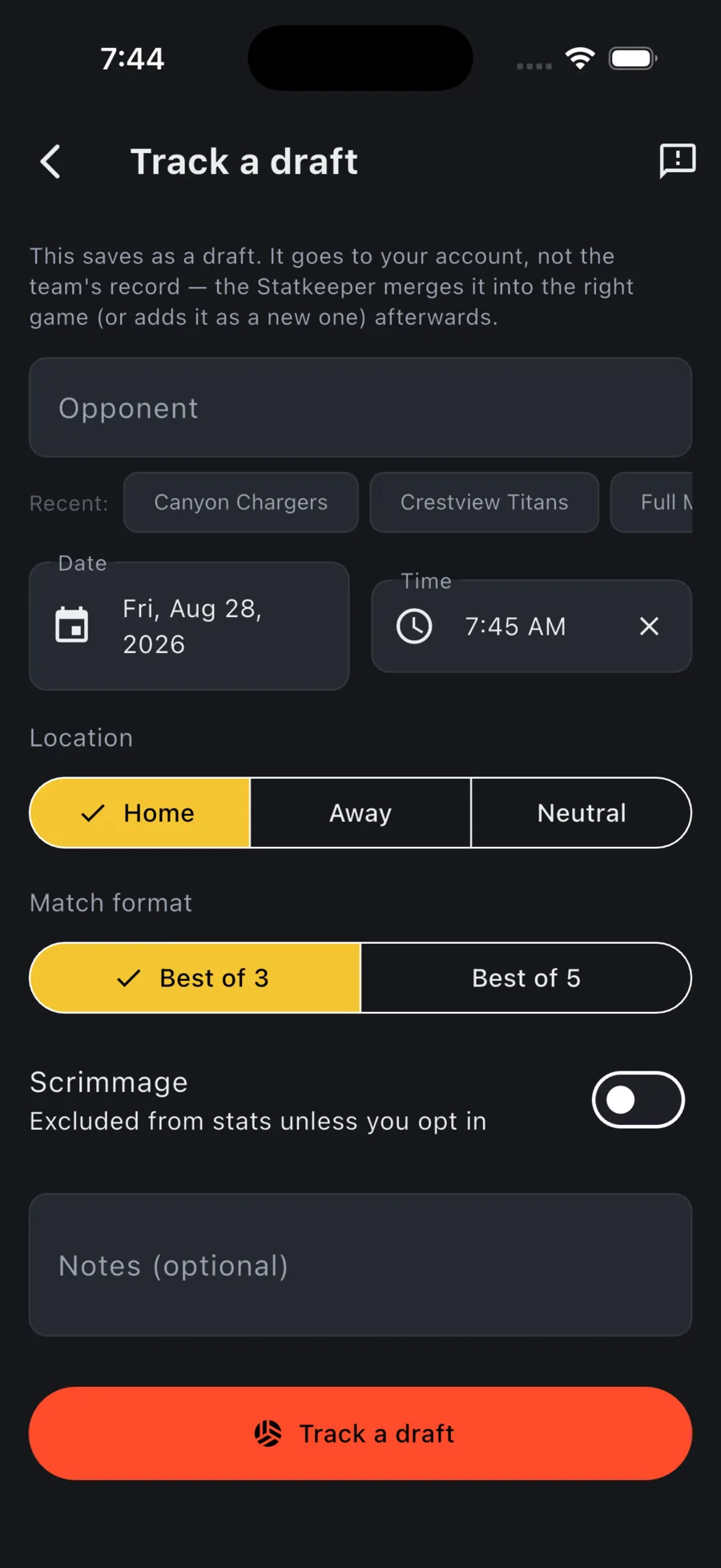
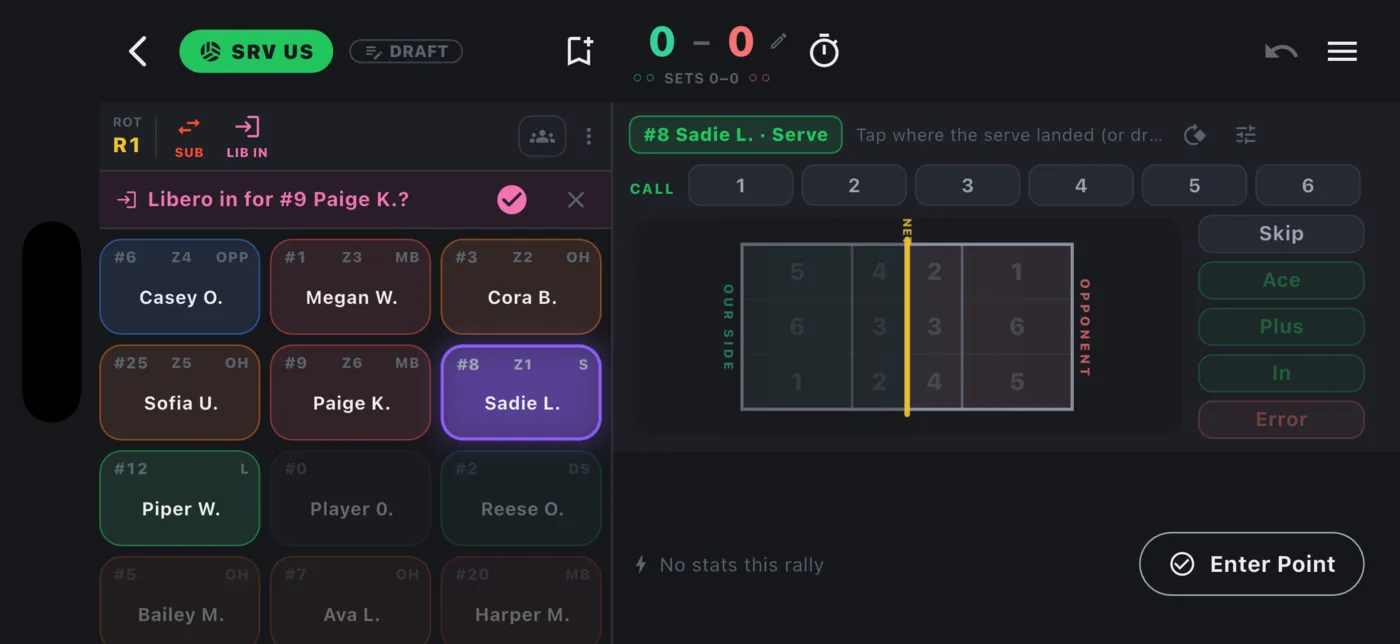
If you tracked the draft
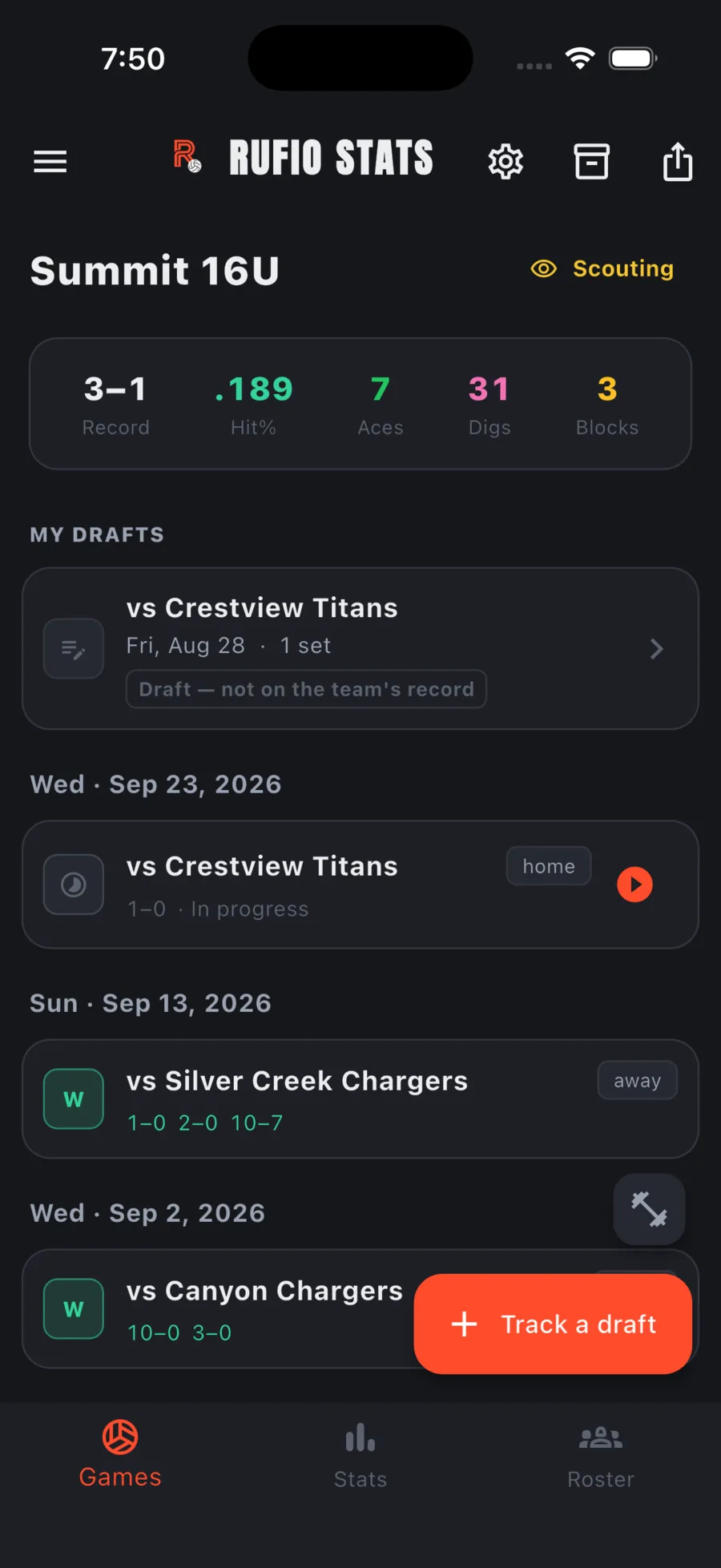
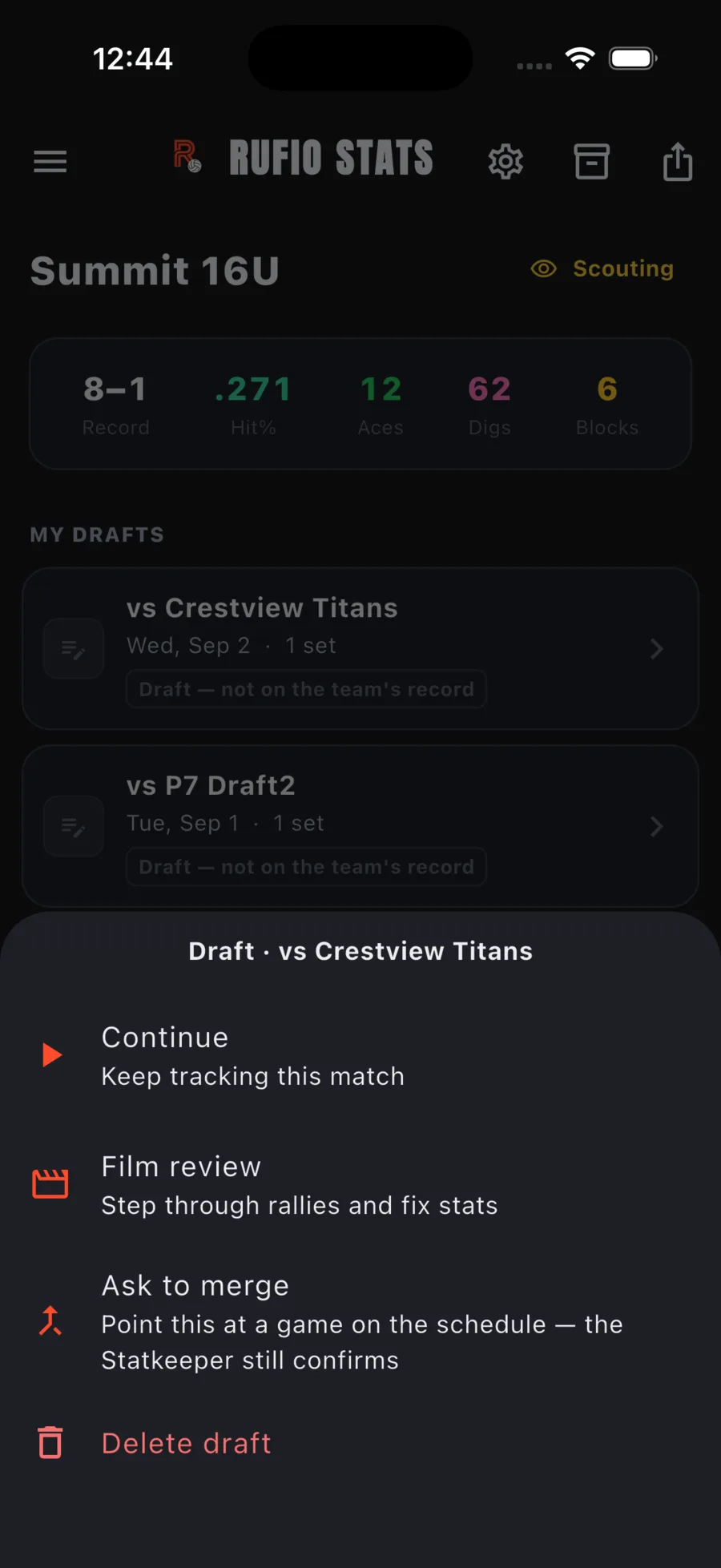
Your drafts appear under My drafts on the Games tab. Tap one for Continue, Film review, Ask to merge, and Delete draft. Ask to merge points the draft at a game on the schedule so the Statkeeper knows which match it is; they still confirm.
If you are the Statkeeper
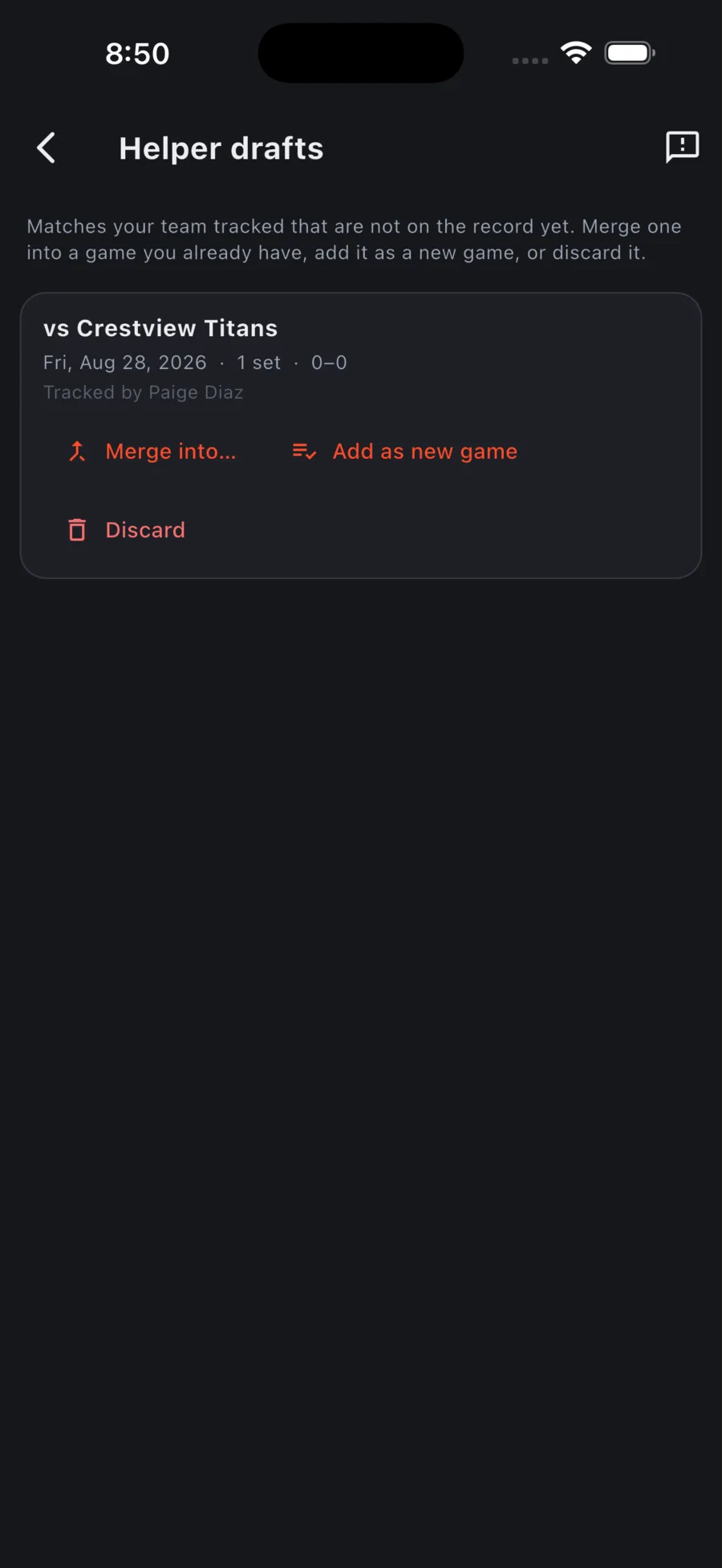
The Games tab shows a drafts waiting banner whenever there is something to review. Tap it (or Review drafts on the Manage screen) to open Helper drafts. Each row names the opponent, date, sets, score, and who tracked it. Three choices per draft:
| Action | What happens |
|---|---|
| Merge into… | Pick the game on the record this draft belongs to. Every tap from both copies ends up on that one game. The draft moves to Archived games. |
| Add as new game | The draft becomes an ordinary team game, exactly as tracked. |
| Discard | The draft moves to Archived games. It can still be restored later. |
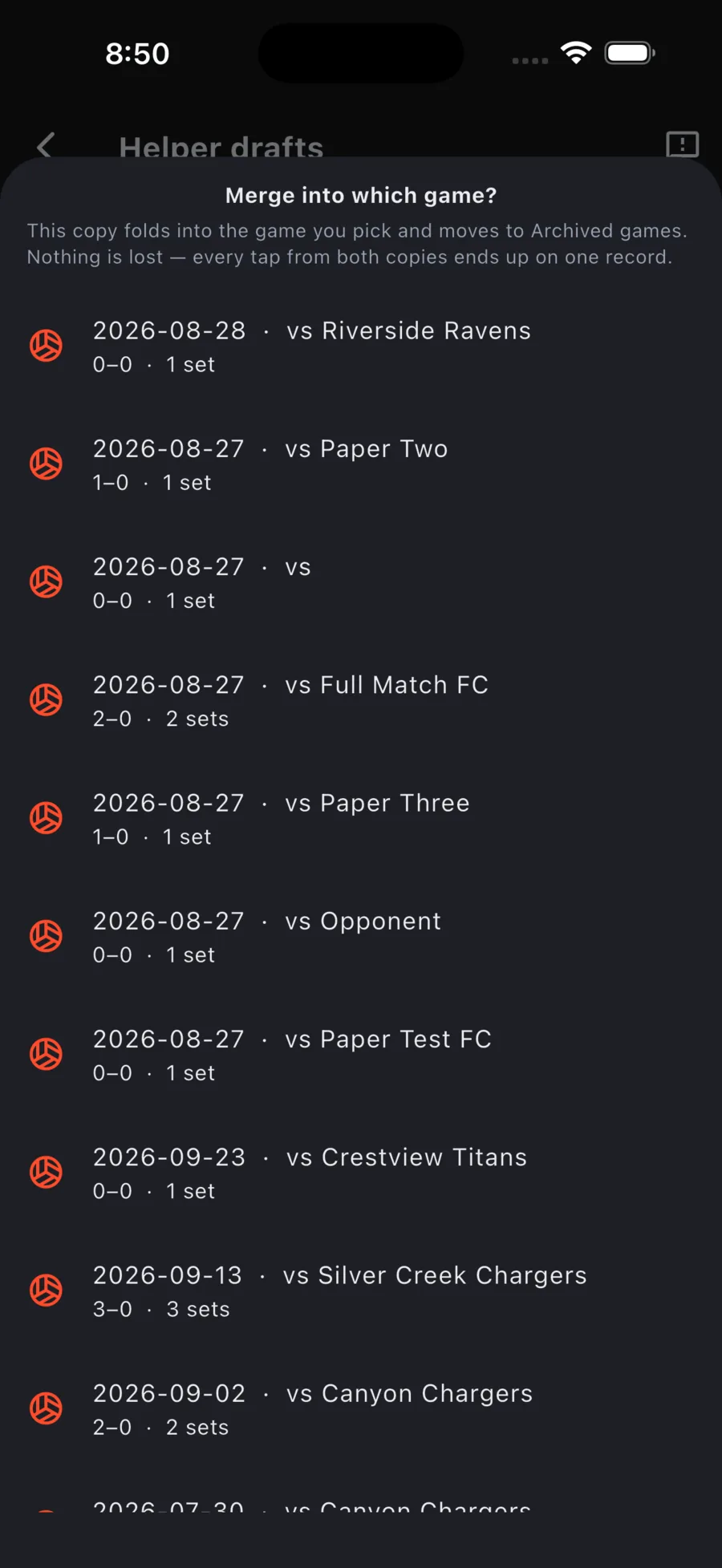
Nothing merges on its own. A draft waits until someone decides.
Merging two copies
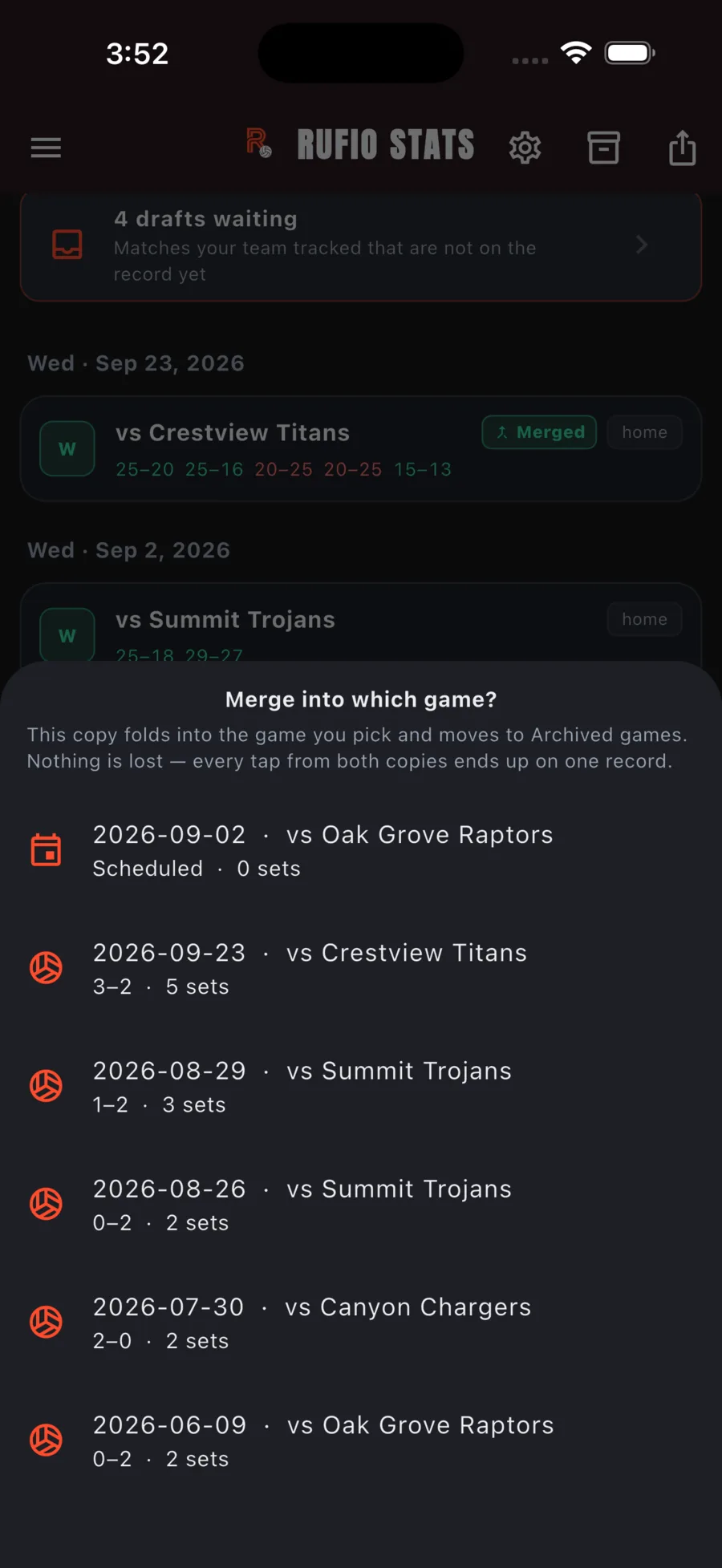
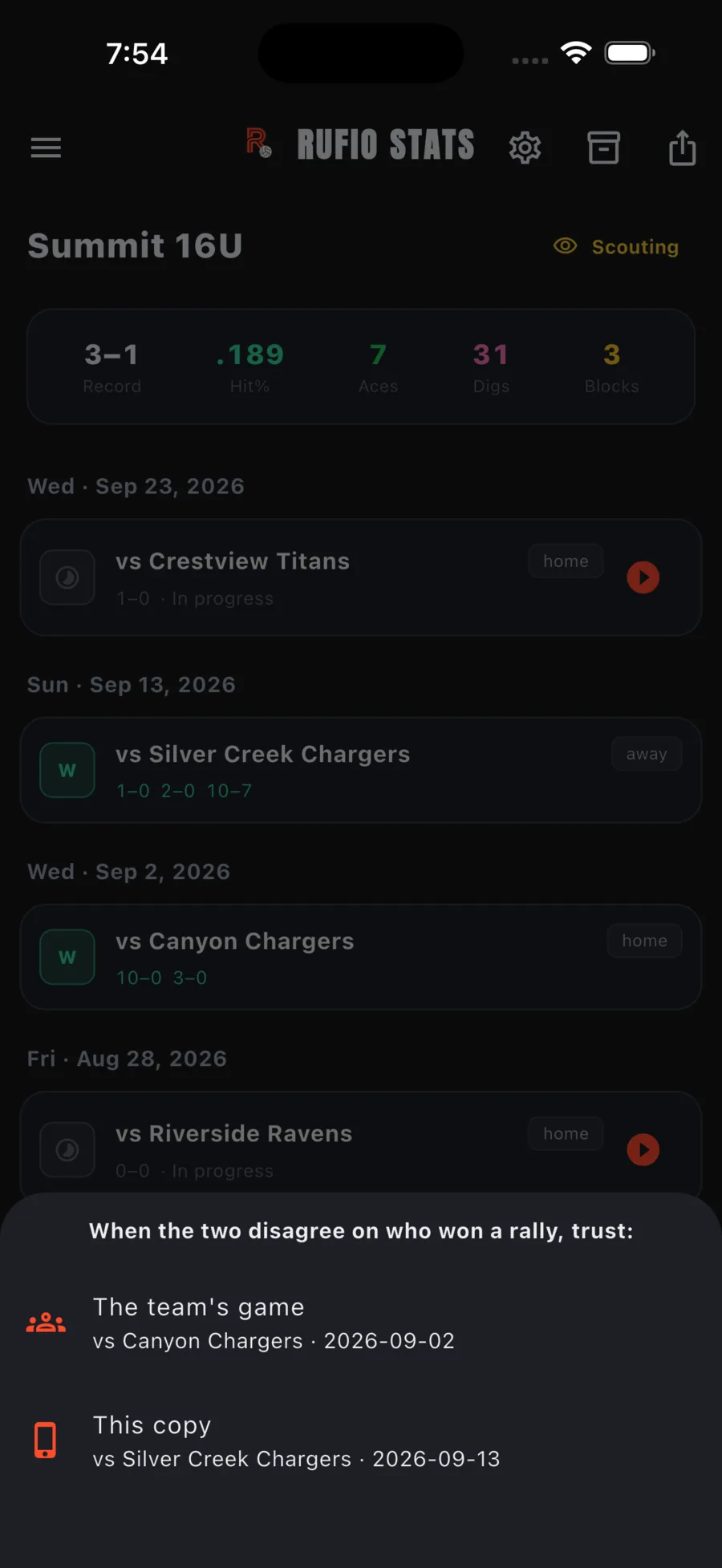
The same two-step sheet appears for a draft, for a film pass, and under Merge into another game… on any game card when two people tracked the same match separately.
- Pick the game to merge into. Games near the same date are listed first; a draft that was started from a scheduled game is pinned to the top.
- Choose which copy to trust when the two disagree on who won a rally: The team's game or This copy. Stats from both are kept either way; this only settles the score.
Film passes
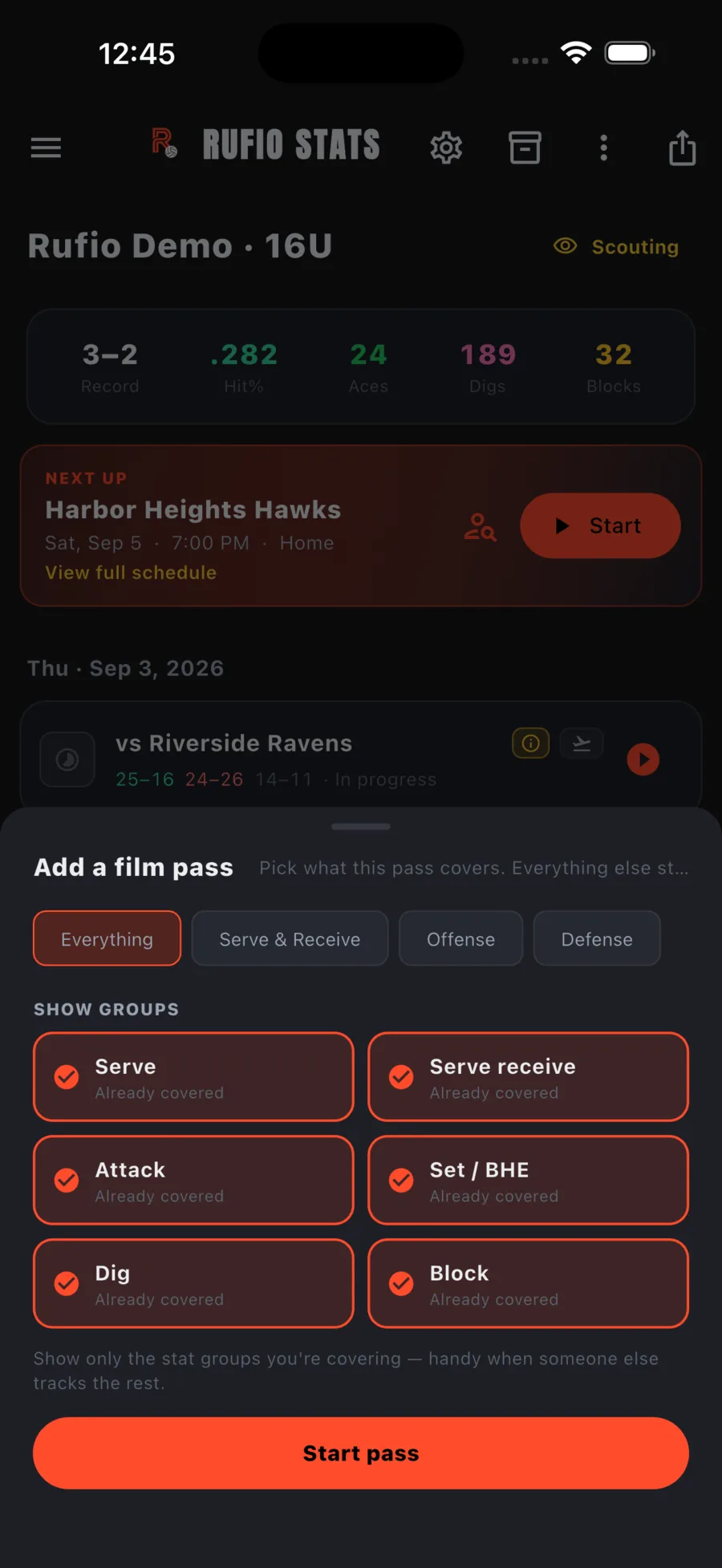
A film pass is a second tracking run of a match you already have, done from video, for the stat groups nobody covered live. On a completed game's card, tap ⋯, then Add a film pass, pick the groups the pass covers, and track. Groups that already have data are marked Already covered. When you are done, Merge pass folds it in; each stat group comes from exactly one copy, so nothing doubles.
A pass does not have to cover the whole match. Opening or continuing a pass asks which set to start on, and the FILM PASS pill (it reads just FILM on a phone) has a Jump to set row for moving between sets while you track. Sets you leave untouched are skipped when the pass is merged, so the original keeps its own record of them.
In a dig or block pass, the opponent kills and errors the live tracking already recorded show as chips. Tap one to credit the dig or block to a player; the ball is still counted once. The pass does not ask why a point ended when the live tracking already knows, and fills in point reasons the live tracking skipped.
A game with an unmerged pass shows a Film pass badge on its card in the games list (Pass in review once a merge lands on a conflict), so an in-progress pass is never invisible once its own sheet is closed. Ending the pass's last set, or choosing Finish game on one, asks Merge now or Later. Leave it for later and the pass stays on this device, unmerged, until you come back to it.